Device Care
Cleaning Your Devices Safely: What to Do and What to Avoid
Regular cleaning keeps your devices looking and functioning like new, but the wrong method can cause real damage — here's how to do it safely.
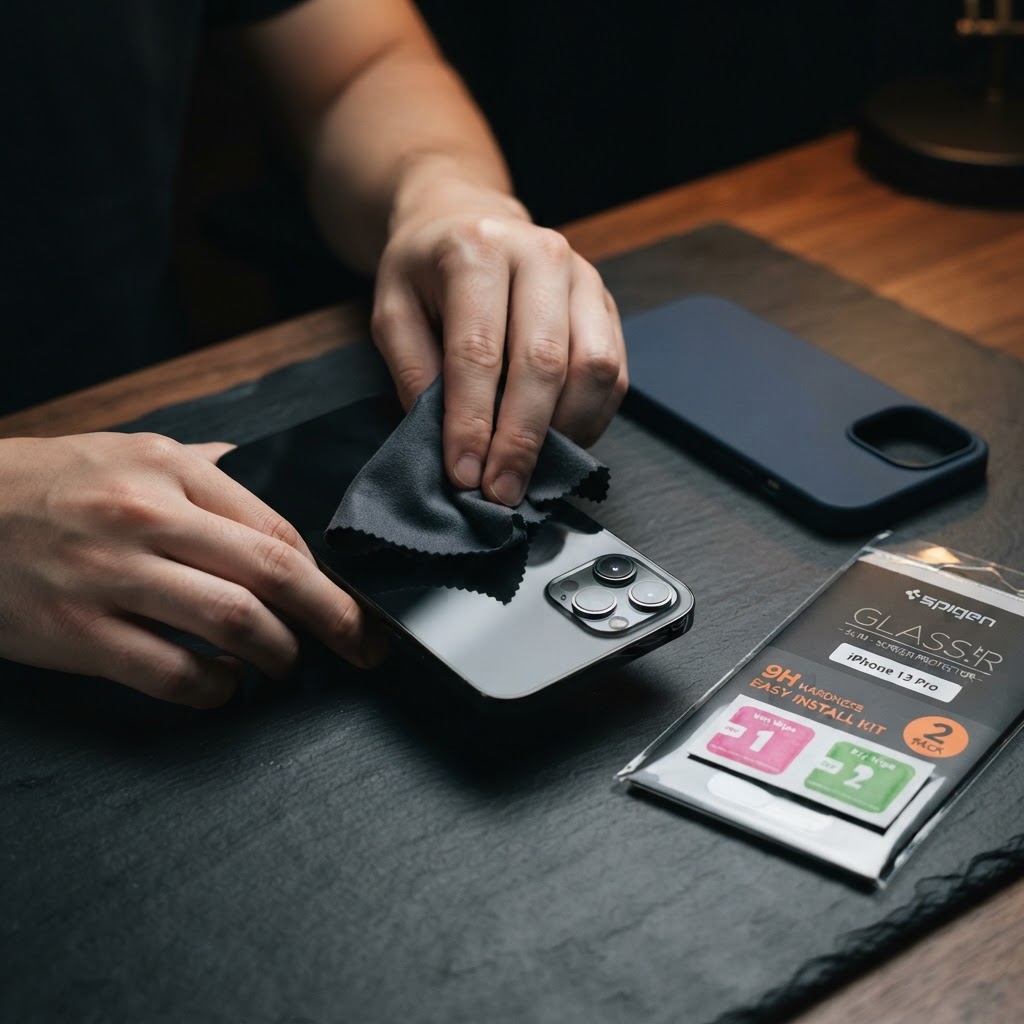
Screens: Turn off the device first. Use a soft, dry microfiber cloth for daily dust removal. For smudges, lightly dampen the cloth with water — never spray liquid directly onto the screen. Avoid alcohol-based or ammonia-based cleaners, which can strip screen coatings over time.
Ports and charging points: Use a soft dry brush or a can of compressed air to remove lint and dust from charging ports. Never insert pins, toothpicks, or metal objects, which can damage internal connectors.
Speakers and microphones: A soft-bristled brush (like a clean, dry toothbrush) works well to dislodge dust without pushing it further in.
Laptop keyboards: Turn the laptop off and gently tilt it to shake out loose debris, then use compressed air between the keys. A slightly damp microfiber cloth can clean the keys themselves.
What to avoid entirely: paper towels (they can scratch screens), household glass cleaners, and submerging any device in water, even if it's rated water-resistant — resistance is not the same as waterproof.
A five-minute clean every couple of weeks keeps your devices hygienic and helps ports and buttons keep working smoothly for longer.
Ready to find your next device?
Browse tested new and UK used phones and laptops from APPLL_PLUG — delivered across Nigeria.