Buying Guides
How to Check Battery Health Before Buying a UK Used Phone in Nigeria
When you buy a UK used phone in Nigeria, the battery is the first thing you should care about. A phone can look flawless on the outside while the battery is already worn out, leaving you charging three times a day.
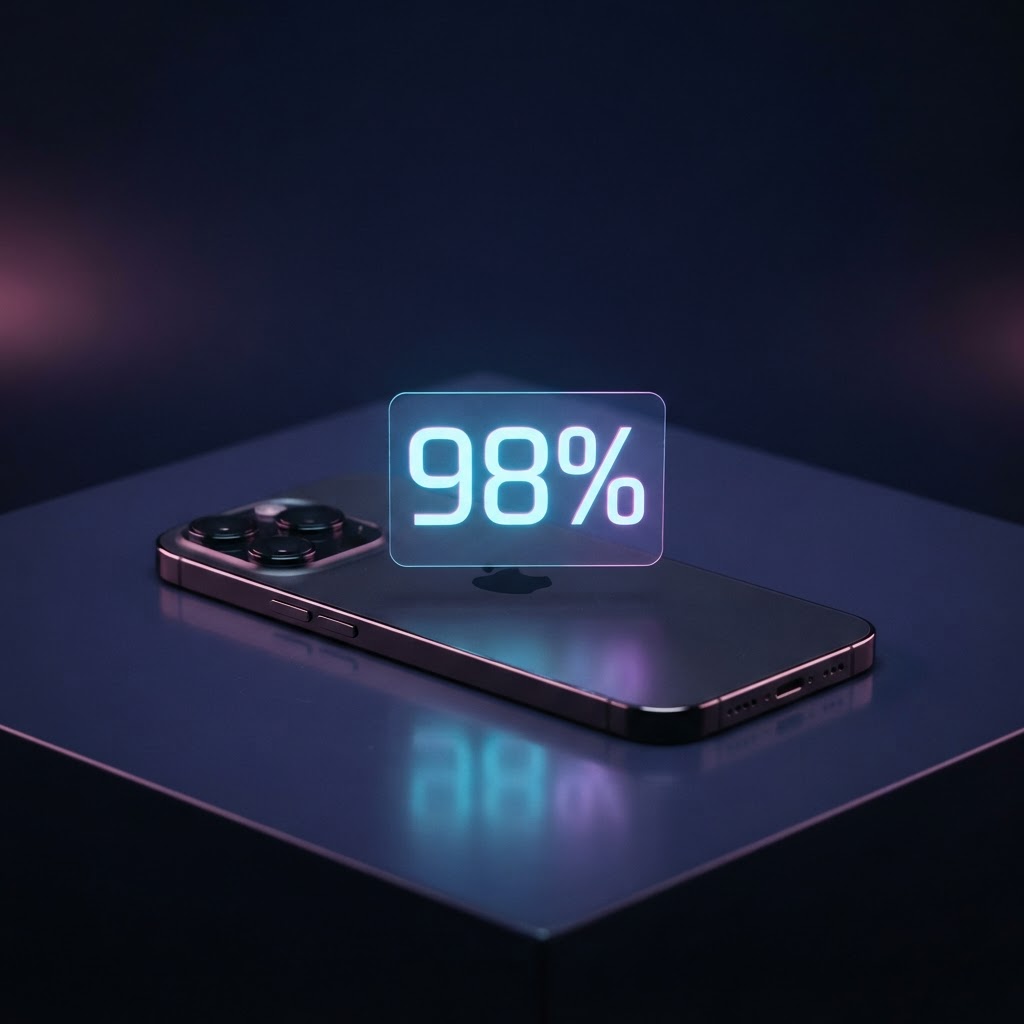
Battery health is a percentage that shows how much capacity the battery still holds compared to when it was new. A brand-new iPhone reads 100%. Around 85% the phone still feels normal. Below 80% you will start noticing the phone dying faster and the performance slowing down.
On iPhone: open Settings → Battery → Battery Health & Charging. You will see the Maximum Capacity percentage. Anything above 85% is a solid buy for a UK used device.
On Android: it is less standardised, but Samsung owners can check in the Samsung Members app under Diagnostics. You can also dial *#*#4636#*#* on many Androids to open the testing menu and view battery status.
Also watch how the phone behaves while you test it. If the percentage drops quickly while you are just browsing, or the back of the phone gets unusually hot, the battery is likely degraded. Ask the seller to show you the health reading on the spot — not a screenshot.
At APPLL_PLUG, every UK used device is tested before listing, and we show you the battery health in person or over WhatsApp before you pay. If a seller refuses to let you check, that is a red flag, not a deal.
A simple rule: a cheaper phone with a weak battery is rarely a bargain, because a replacement battery and the inconvenience will eat up your savings.
Ready to find your next device?
Browse tested new and UK used phones and laptops from APPLL_PLUG — delivered across Nigeria.