Device Care
How to Protect Your Phone From Harmattan Dust and Heat in Nigeria
Harmattan in Nigeria does two things to your phone: it fills every opening with fine dust, and the dry heat messes with your battery and screen. A few habits keep your device alive through the season.
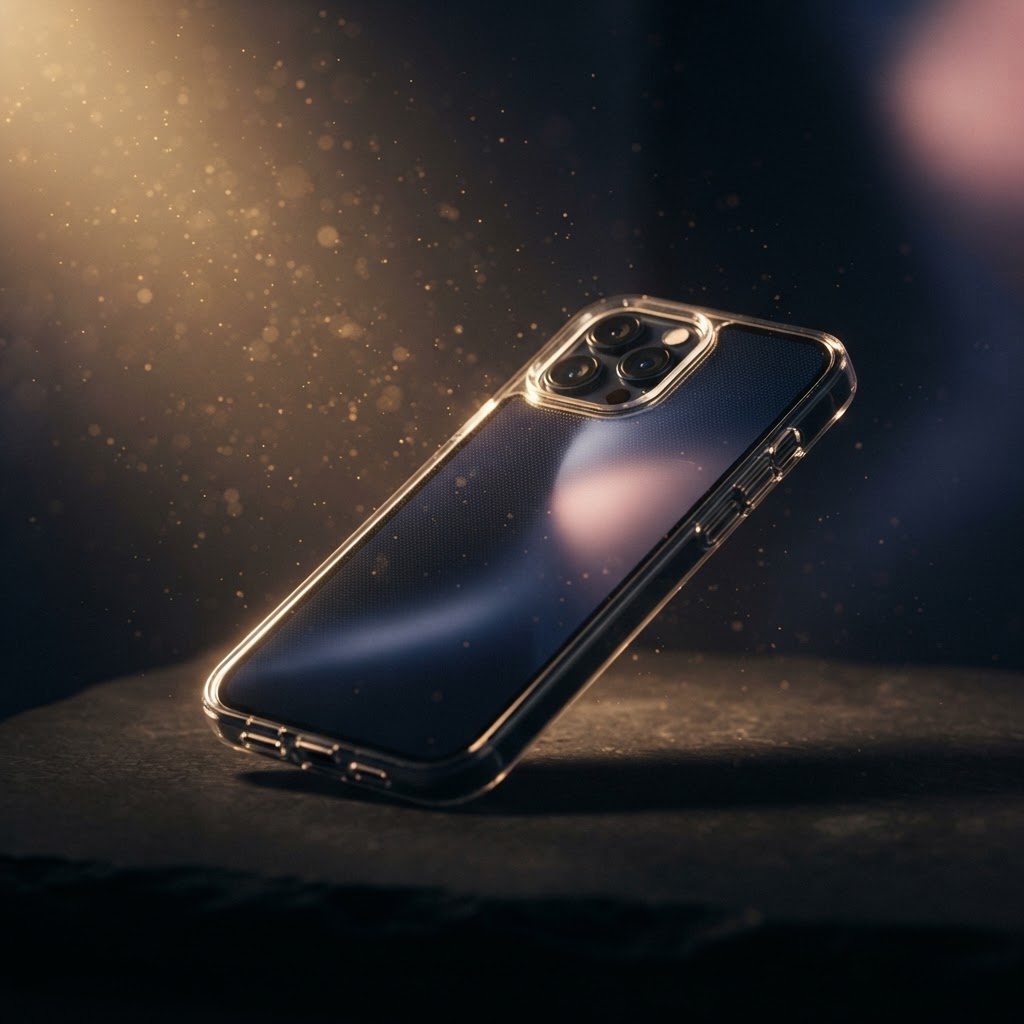
1. Use a fitted case and a screen protector: Harmattan dust is finer than normal dust and works itself into charging ports and speaker grilles. A case with port covers is ideal; at minimum, keep a snug case on.
2. Clean the charging port gently: Dust packed into the port causes slow charging and connection issues. Turn the phone off and use a wooden toothpick or a soft brush — never metal — to lift dust out. Do not blow compressed air into the port; it can push dust deeper.
3. Keep the phone out of direct sun: Dry-season sun plus a phone on a car dashboard is a fast way to cook a battery. Keep it shaded, and never charge it in a hot, closed car.
4. Do not let the battery run dry: Harmattan heat plus a deeply discharged battery is a bad combination. Try to keep the charge above 20%, and avoid leaving the phone on the charger overnight in a hot room.
5. Wipe the screen with a microfiber cloth: Dust and dry air create static that attracts more dust to the screen. A dry microfiber wipe clears it without scratching. Avoid harsh cleaners.
6. Let it cool before fast charging: If the phone has been in the sun, give it ten minutes in the shade before plugging into a fast charger. Charging a hot battery ages it faster.
A phone that survives harmattan saves you repair money and keeps its resale value. At APPLL_PLUG, every device is checked and cleaned before listing, so it arrives ready to use.
Ready to find your next device?
Browse tested new and UK used phones and laptops from APPLL_PLUG — delivered across Nigeria.